 DayTone
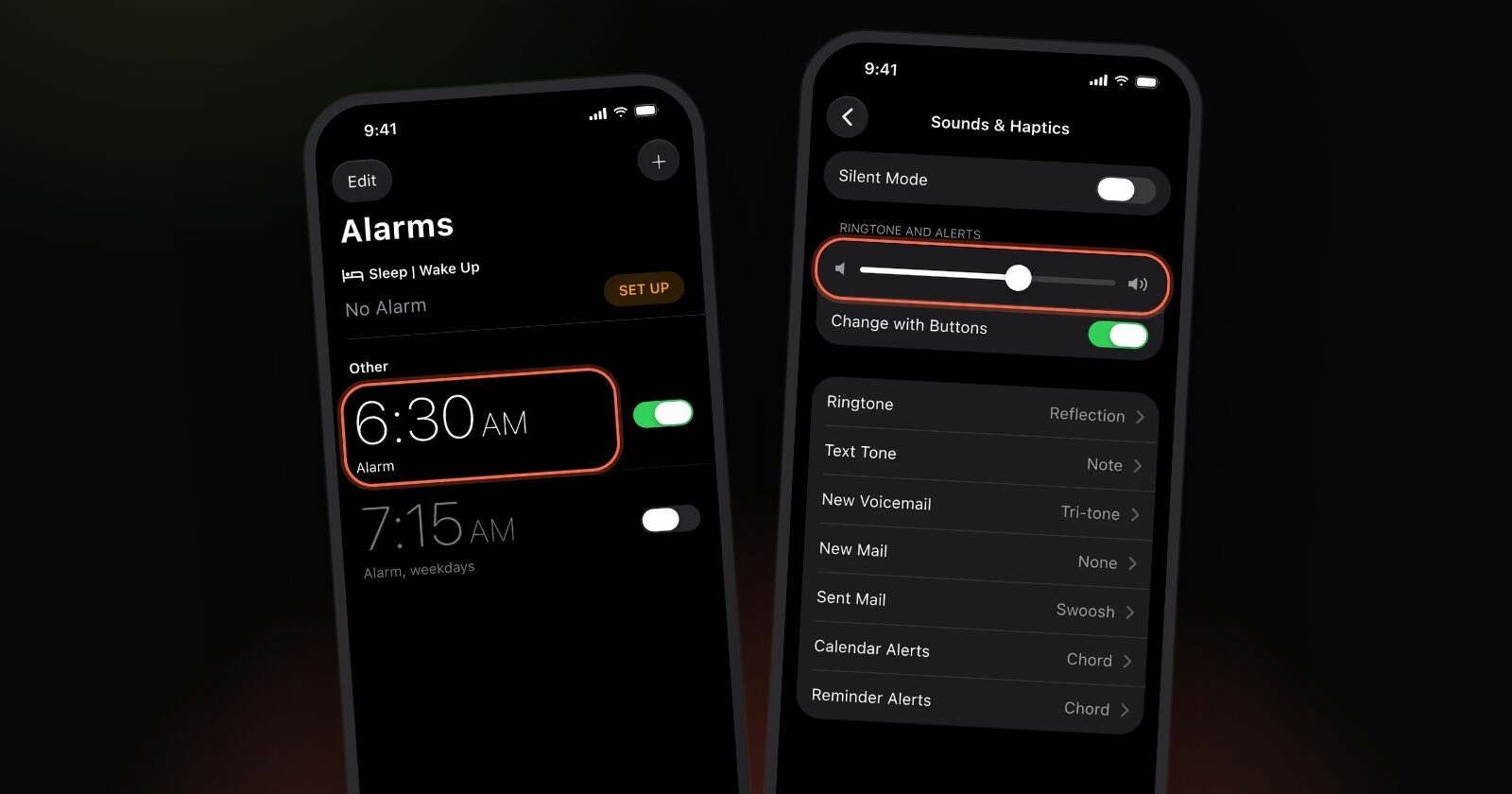
Yes. An alarm you set in the Clock app rings when your iPhone is on Silent, in Do Not Disturb and in any other Focus, Sleep included. Apple says a Clock alarm still sounds with Do Not Disturb or another Focus on (Set an alarm in Clock), and the Ring/Silent switch doesn't change that.
What can still make an alarm quiet is its own volume and sound. The rest of this guide explains why Silent and Focus don't matter, which settings do, and how to test your alarm in two minutes.
Why Silent mode doesn't stop an alarm
The Ring/Silent switch (or the Action button, on iPhones that have one) mutes ringtones and alerts. An alarm isn't either of those. It plays on its own, at the alarm volume, whatever the switch says.
The other side of that: Silent mode won't help if the alarm is quiet. If it rings too softly, the fix is the volume, not the switch. Our guide to why an iPhone alarm doesn't go off has the volume steps for iOS 26 and iOS 27.
Why Do Not Disturb and Focus don't stop it
A Focus decides which calls and notifications reach you. A Clock alarm is neither, so a Focus doesn't filter it. That holds for Do Not Disturb, Sleep, Work, Personal and a Focus you made yourself.
The allowed-apps lists in a Focus are about notifications, so there's nothing to add for the Clock app.
The Sleep Focus is the one people mix up
If you use a sleep schedule, your wake-up alarm is a separate alarm with its own settings: it sits under Sleep | Wake Up at the top of the Alarms screen in Clock. It rings through Sleep Focus like any other alarm, but its sound and volume are set in its Alarm Options. If it's quiet, check those, not the Focus. Apple explains them in Change your wake up alarm in Clock on iPhone.
What can still make an alarm quiet
These are the real causes of "it didn't wake me" on a phone that was on Silent or in a Focus:
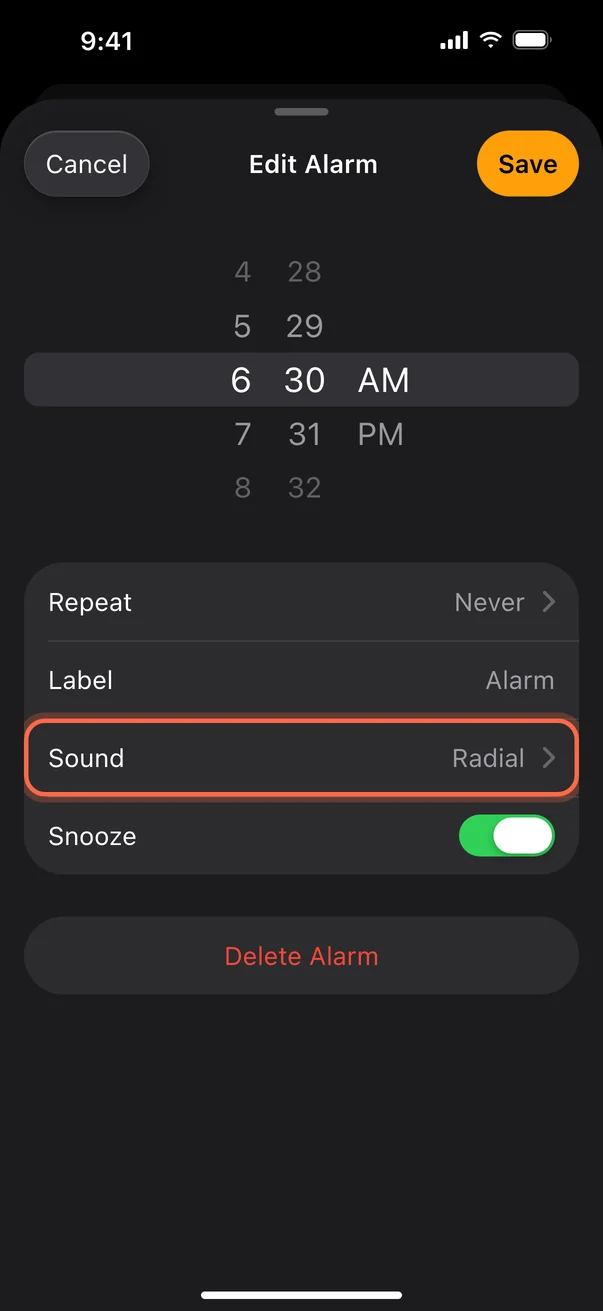
- The alarm's sound is set to None. The phone then only vibrates. In Clock, tap Alarms, tap the alarm, tap Sound and pick a tone.
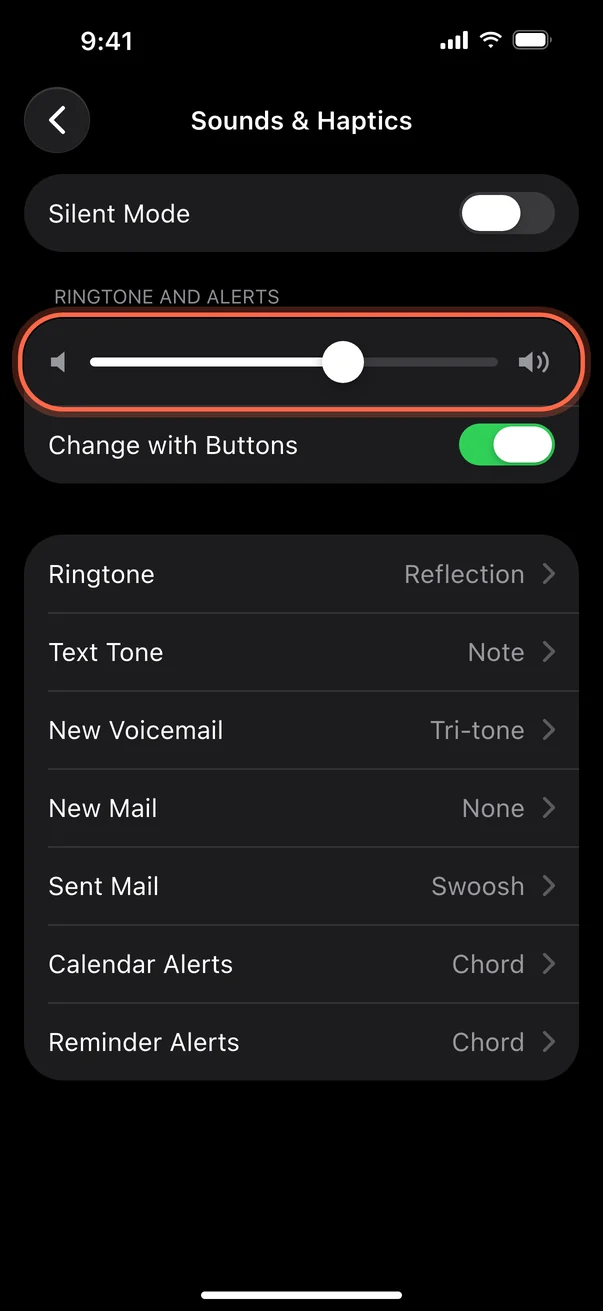
- The alarm volume is low. In Settings, Sounds & Haptics: on iOS 27, check Alarms and Timers (with Match Ringtone Volume on, the alarm follows the slider under Ringtone); on iOS 26 and earlier, the slider under Ringtone and Alerts sets it. Media volume never does.
- Change with Buttons is on. A stray press of the volume button can lower tomorrow's alarm (Apple Support).
- The phone was off or dead. Nothing rings from a phone that has no power.
- You wore an Apple Watch to bed. A sleep schedule alarm may play on the watch (Apple Support).
Test your alarm in two minutes
Don't take our word for it, or Apple's. Check your own setup.
- Turn on your usual Focus, or flip the Ring/Silent switch to Silent.
- Open Clock, tap Alarms, then tap + and set an alarm two minutes ahead.
- Lock the phone and put it where it sleeps at night.
- Wait. It should ring.
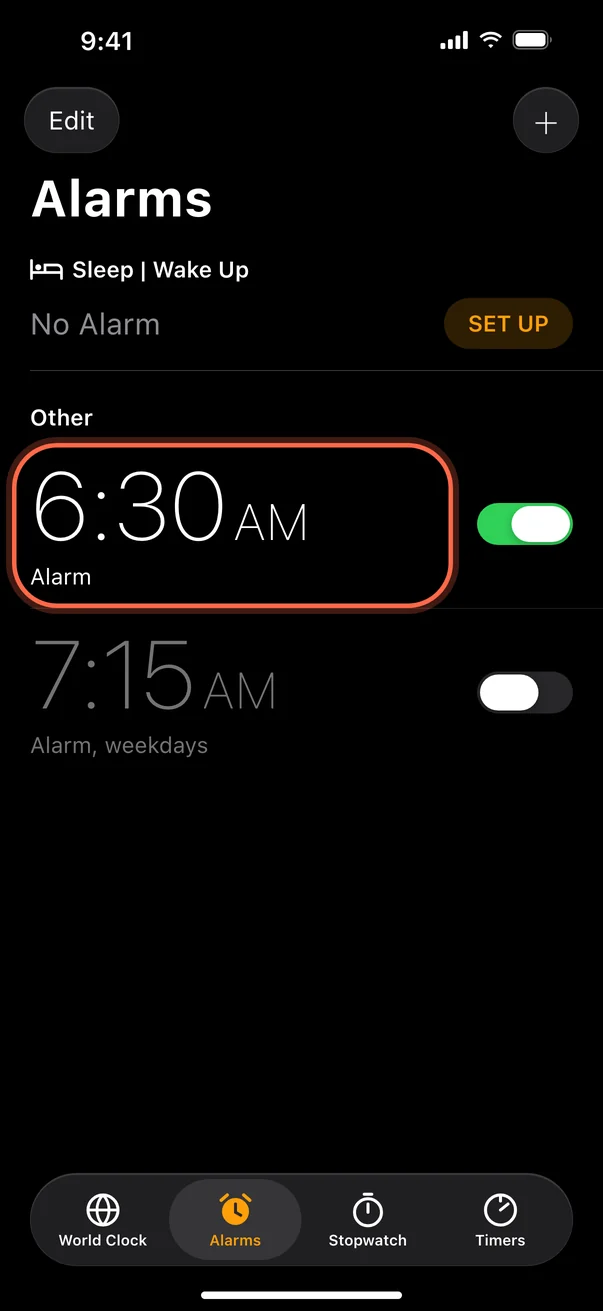
When you're done, delete the test alarm. If it didn't ring, the problem is the alarm itself, so go through the alarm checks.
Other alarm apps: do they ring on Silent?
It depends on how the app was built. Apps that use ordinary notifications for their alarm are held to the same rules as other notifications. Since iOS 26, apps built on Apple's AlarmKit can ring as real alarms, through Silent mode and Focus, just like the Clock app. If you use an older or simpler alarm app, test it the same way as above.
DayTone (iPhone, iOS 26.1 or later) is one app that does this. Each alarm can wake you with a short, original AI-made song written around the goals you set. A backup sound is stored on the phone before every alarm, so it rings even when the song isn't ready or the phone is offline. It can't make the iPhone louder than its own volume setting, so check that whichever alarm you use.
Quick answers
Will my iPhone alarm go off on Silent?
Yes. Alarms set in Clock ring even when Silent mode is on.
Will my alarm go off on Do Not Disturb?
Yes. Apple says a Clock alarm sounds with Do Not Disturb or any other Focus on.
Does the Sleep Focus silence my wake-up alarm?
No. The sleep schedule alarm rings during Sleep Focus. Its sound and volume are set in its own Alarm Options.
Why didn't my alarm wake me, then?
Check the sound isn't None, the volume, and the AM and PM setting. If you often sleep through alarms or have trouble waking, it may be worth talking to a doctor.